macOS
Available nowNative Desktop
Download
New product Forge
Forge
Forge connects your projects, devices, code, execution environment, sync, and AI into one development workspace.
Available on macOS and Mobile (Forge Web). Windows Desktop is in Preview.
Trusted by developers building what's next
Native Desktop
DownloadAdd to Home Screen (App Store later)
Native Forge Desktop
Coming SoonIntegrations
Microsoft sign-in and Office workloads are not production-ready yet. Azure configuration and runtime validation are still in progress.
Edit on Mobile. Sync through Forge. Run where the power is. Return to the same project anywhere.
See how it works →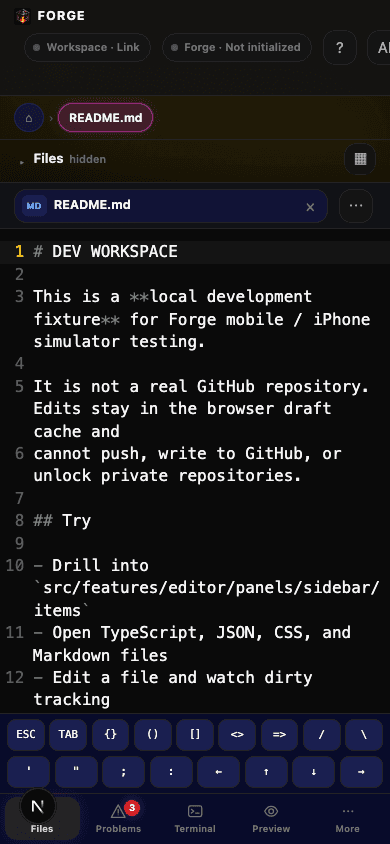
Command, review, and continue from mobile — sync and connected runtime.
Project identity, revisions, devices, sync, Agent memory.
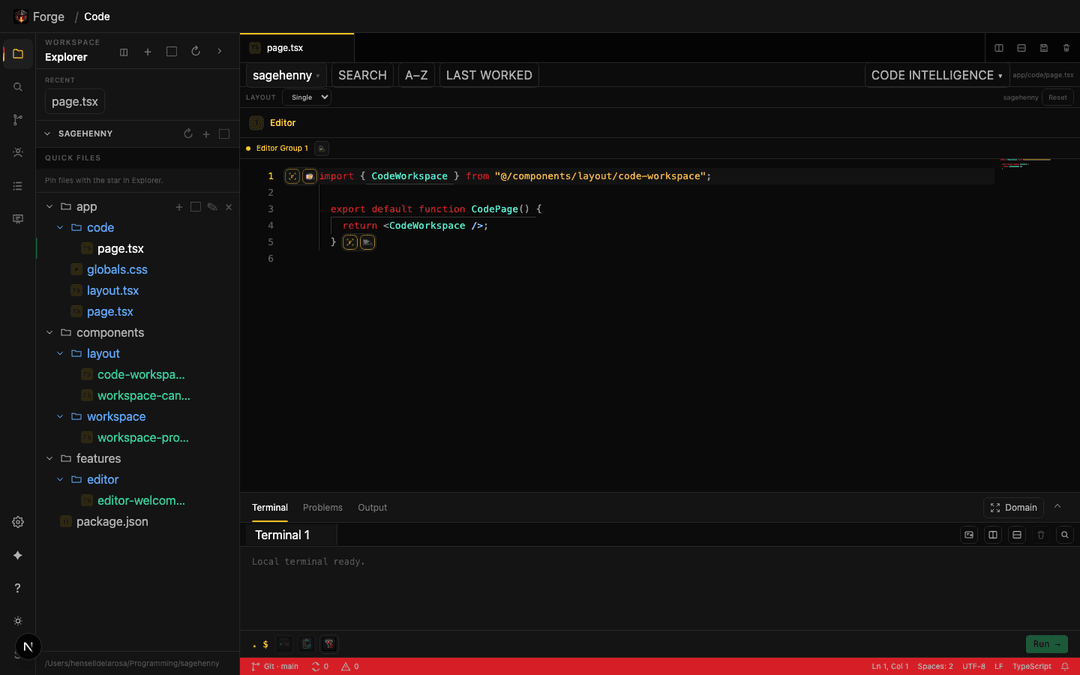
Run builds, terminals, Git, localhost and diagnostics.
Forge gives you the tools, environments, and intelligence to move faster and build better.
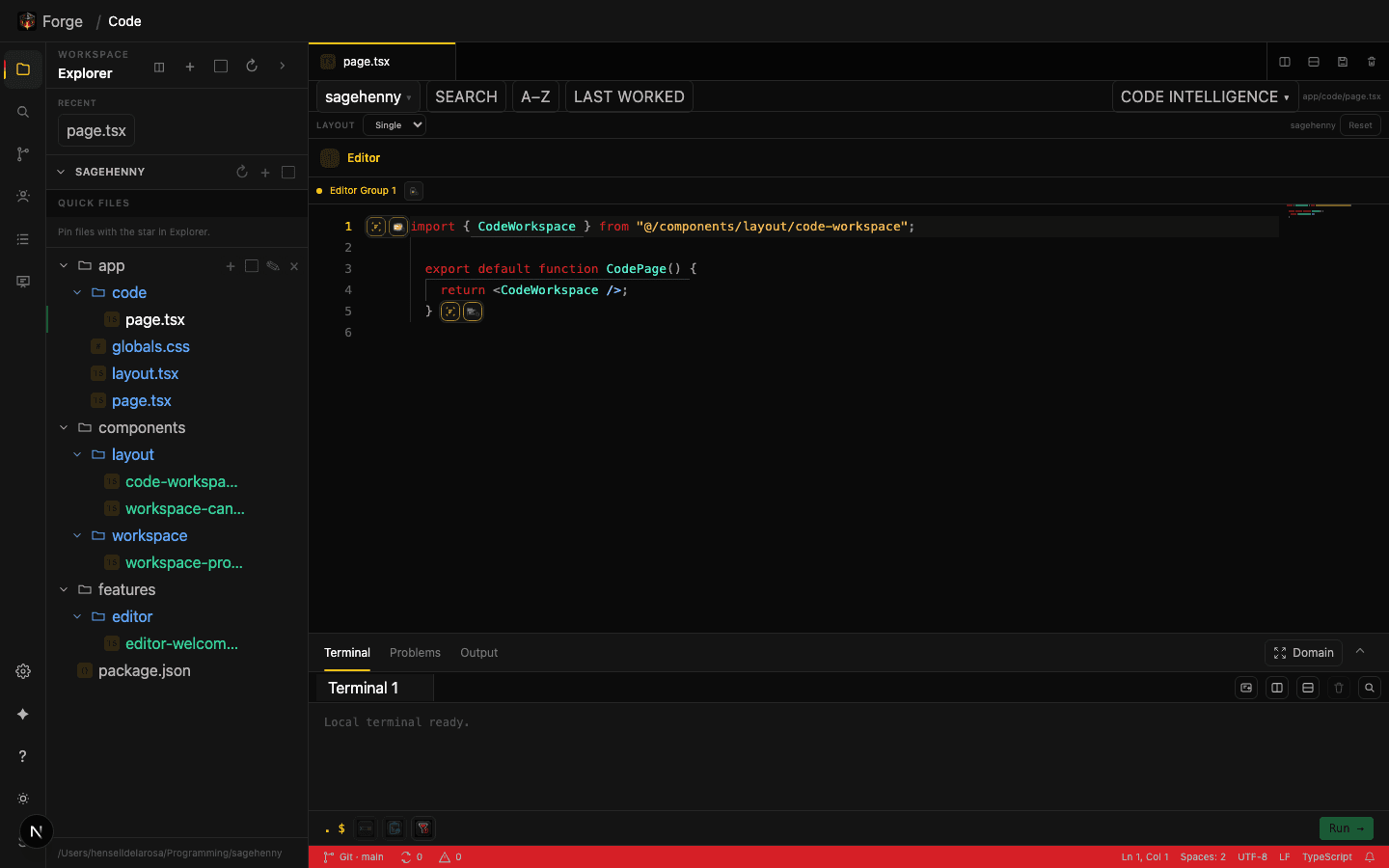
Help me implement the authentication flow.
I've analyzed your project and found the best approach…
Editor, Preview, and Agent each operate independently and can be swapped, resized, or tailored to your workflow.
See Triple Screen →Git manages source history. Forge manages the development environment around the project.
Source control. History. Collaboration.
Project identity. Environments. Devices. AI. Everything around it.
Forge indexes your code, architecture, project history, conventions, and current workspace so its Agent can reason about the project instead of starting from zero.
Build from your desktop. Command, review, and continue from mobile — Forge Bot or Grok, tasks, and your connected runtime. Mobile does not run a native project runtime by itself.
Get the tools you need. Upgrade as you grow.
Free
For personal use
$8/mo
More power for serious work
$15/mo
For advanced users
Contact us
Teams and organizations
Contact us
Students and educators
Regular, Pro, Premium, Business, and School — price and headline here; Compare plans for the full matrix.
Free
Start building across Desktop and Mobile with Cloud identity.
Start Free$8/mo
$80/year available
More index capacity, Architecture Invariants, and deeper Agent use.
Choose Pro$15/mo
$150/year available
Highest individual Agent capacity and cross-project intelligence.
Choose PremiumContact us
$200/user/year available
Organizations, shared knowledge, and admin controls.
Coming SoonContact us
$50/student/year available
Student identities, classes, and Classroom integrity controls.
Coming Soon